Automatic backups
Your important data backed up on a schedule, without anyone remembering to.

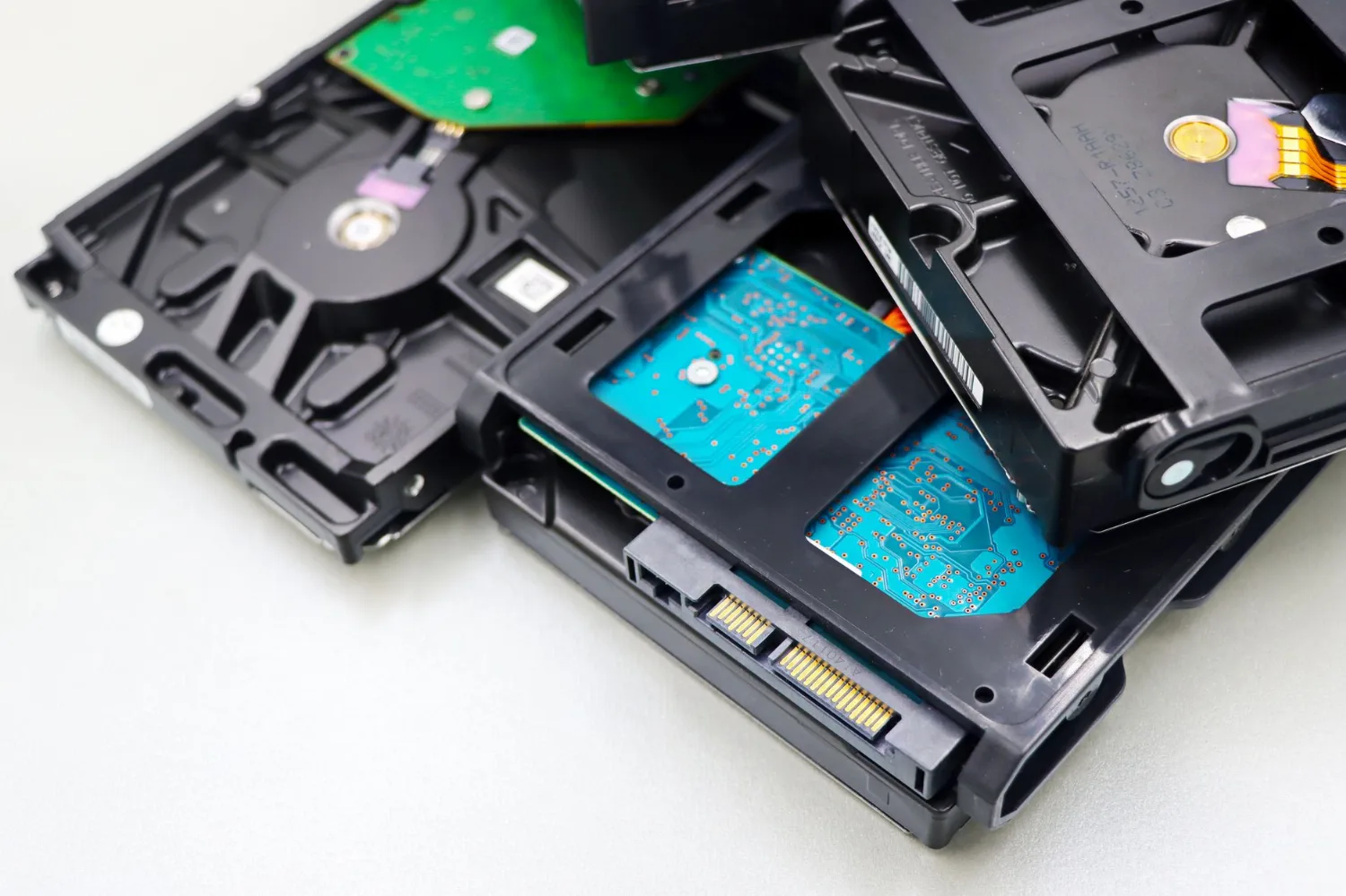
Monitored backups and tested recovery so a failed drive, a mistake, or an attack never becomes a disaster.
Overview
The honest answer is that a backup nobody checks is a false sense of security. We set up backups that are automatic, monitored for success, protected against ransomware, and regularly tested — so recovery actually works on the day you need it.
Your important data backed up on a schedule, without anyone remembering to.
We watch that backups are actually completing — not silently failing.
Protected copies so attacks can't take your backups with them.
Restores are verified, so you know they work before you need them.
Local speed plus off-site protection against fire, theft, and flood.
Get back to work quickly when a file — or a whole system — is lost.
Local coverage
Yes — Computers To Go protects data for businesses throughout Saginaw, Midland, and the surrounding Great Lakes Bay Region. With stores in both Saginaw and Midland, MI, we serve organizations in Bay City, Freeland, Frankenmuth, and across mid-Michigan. Backups are monitored remotely for speed, and our technicians come on-site to set up local appliances and handle full recoveries when hands on the hardware are needed.
When a server dies or ransomware hits, being local matters. A remote restore of a few files happens in minutes, but a full rebuild often needs someone on the ground with your hardware — and we are a short drive away, not a distant ticket queue. That is the difference between hours of downtime and days.
The stakes are well documented. The U.S. government\'s CISA StopRansomware program reports that protected, tested backups are the single most effective way to recover from ransomware without paying. Meanwhile, IBM\'s Cost of a Data Breach Report puts the average ransomware incident in the millions once downtime and recovery are counted — costs that a working backup dramatically reduces.
“We have never once regretted a backup that was tested. The only backups that fail people are the ones nobody ever tried to restore — which is exactly the day they find out it was broken.”
— The Computers To Go team, Saginaw & Midland, MI
Backup is one layer of resilience. Explore related services: managed IT services, cybersecurity, and data recovery.
Backup & Recovery
Resilience built in
Automatic, off-site, ransomware-resistant copies — and verified restores so recovery works when it counts.
Answered
A good backup protects your files, email, databases, and system configurations, not just one folder of documents. Computers To Go maps what a business truly cannot lose, protects those systems on a schedule, and verifies them. Complete coverage means recovery brings back the applications and settings too, not only the raw data files.
Answered
Recovery speed depends on the method and how much data must be restored, ranging from minutes for a single file to a few hours for a full system. Computers To Go designs recovery around the downtime your business can tolerate and documents the steps, so an outage follows a plan instead of a scramble.
Answered
Ransomware defense combines maintained offline backups, monitoring, and tested restores so encrypted systems can be rebuilt without paying. Computers To Go keeps backup copies isolated and verified, following CISA guidance. Clean, recent copies turn a ransom demand into a routine restore job rather than a business-ending event.
By the numbers
Most businesses should back up critical data at least daily, with important systems protected continuously or hourly. The right frequency depends on how much work you could afford to lose between backups. Computers To Go sizes a backup schedule to your tolerance, then monitors and tests restores so the backup actually works when you need it.
| Metric | What the data shows | Source |
|---|---|---|
| Drive failure | Backblaze's large-scale drive data shows hard drives fail at measurable annual rates | backblaze.com |
| Breach cost | IBM reports the global average data breach costs about $4.45 million, much of it recovery | ibm.com |
| Ransomware defense | CISA names maintained, tested offline backups as a top defense against ransomware | cisa.gov |
| Data loss scale | Statista data shows data loss and downtime remain leading causes of business disruption | statista.com |
Key data
Backup is a saved copy of your data, while disaster recovery is the full plan to get your business running again after a failure, including how fast and from where. Both matter. Computers To Go builds monitored backups and a practical recovery plan so a failed drive or ransomware event becomes an inconvenience instead of a shutdown.
“A backup nobody tests is just a hope, so we monitor every job and prove the restore works before a customer ever needs it” says the Computers To Go team in Saginaw and Midland, MI.
Questions
Both, plus key cloud services like Microsoft 365 and Google Workspace. We design a plan around what your business truly cannot afford to lose — files, servers, line-of-business databases, and email.
We will review it and make sure it is complete, monitored, and actually restorable — the parts most backups quietly miss. A backup that silently fails for months, or that ransomware can encrypt along with everything else, is a false sense of security.
A manual copy is a snapshot nobody checks, sitting on the same network an attacker can reach. Proper backup is automatic, monitored for success, kept in protected off-site copies, and — most importantly — tested so you know the restore works before you need it.
It is usually a predictable monthly fee based on how much data you protect and how fast you need to recover. We size a plan to your business and confirm the exact pricing in writing before anything starts. A free backup assessment is the fastest way to a real number.
Yes. Computers To Go has stores in both Saginaw and Midland, MI, and we protect data for businesses across the Great Lakes Bay Region — including Bay City, Freeland, Frankenmuth, and mid-Michigan.
That depends on what failed and the plan you choose — a single lost file can be back in minutes, while a full server rebuild takes longer. We set realistic recovery targets with you up front so there are no surprises on a bad day.
Explore more
Data Backup near you: Data Backup in Saginaw, MI · Data Backup in Midland, MI
Start with a free backup assessment and find out whether your data would truly survive a bad day.