
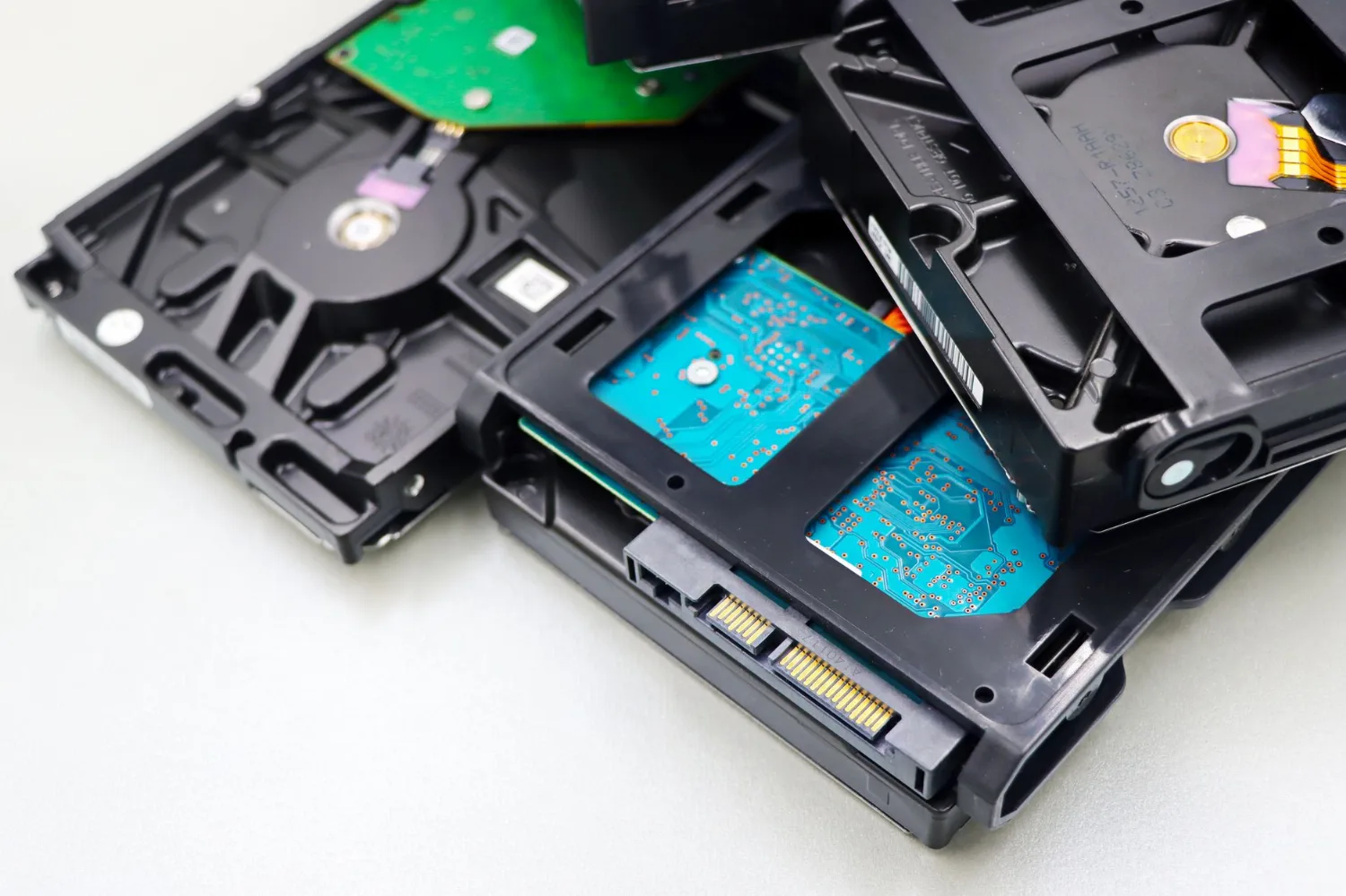
Solid-state drives (SSDs) are more reliable than the spinning hard drives they replaced — but they don't last forever, and they can fail with little warning. Catching the signs early gives you time to back up before it's too late.
1. Files that won't open or save
If files randomly become corrupted, refuse to save, or disappear, the drive may be developing bad areas.
2. Frequent freezes and crashes
An SSD that's struggling can cause your computer to hang, especially when opening large files or booting up.
3. Your computer won't boot — sometimes
Intermittent "no boot device" errors or a system that only starts on the second or third try can point to a failing drive.
4. Everything suddenly feels slow
SSDs are fast. A noticeable, ongoing slowdown — especially with errors — can be a sign the drive is failing.
5. Warnings from your system
Windows or drive-health tools may report SMART errors or warn that a drive is failing. Don't ignore these.
What to do
Back up your important files now, before doing anything else. If the drive is already acting up, avoid stressing it further. If you're not sure or the data is critical, bring it in — we can assess the drive and help recover your files where possible.