Auto-attendant
Route callers to scheduling, billing, or a provider without tying up the front desk.

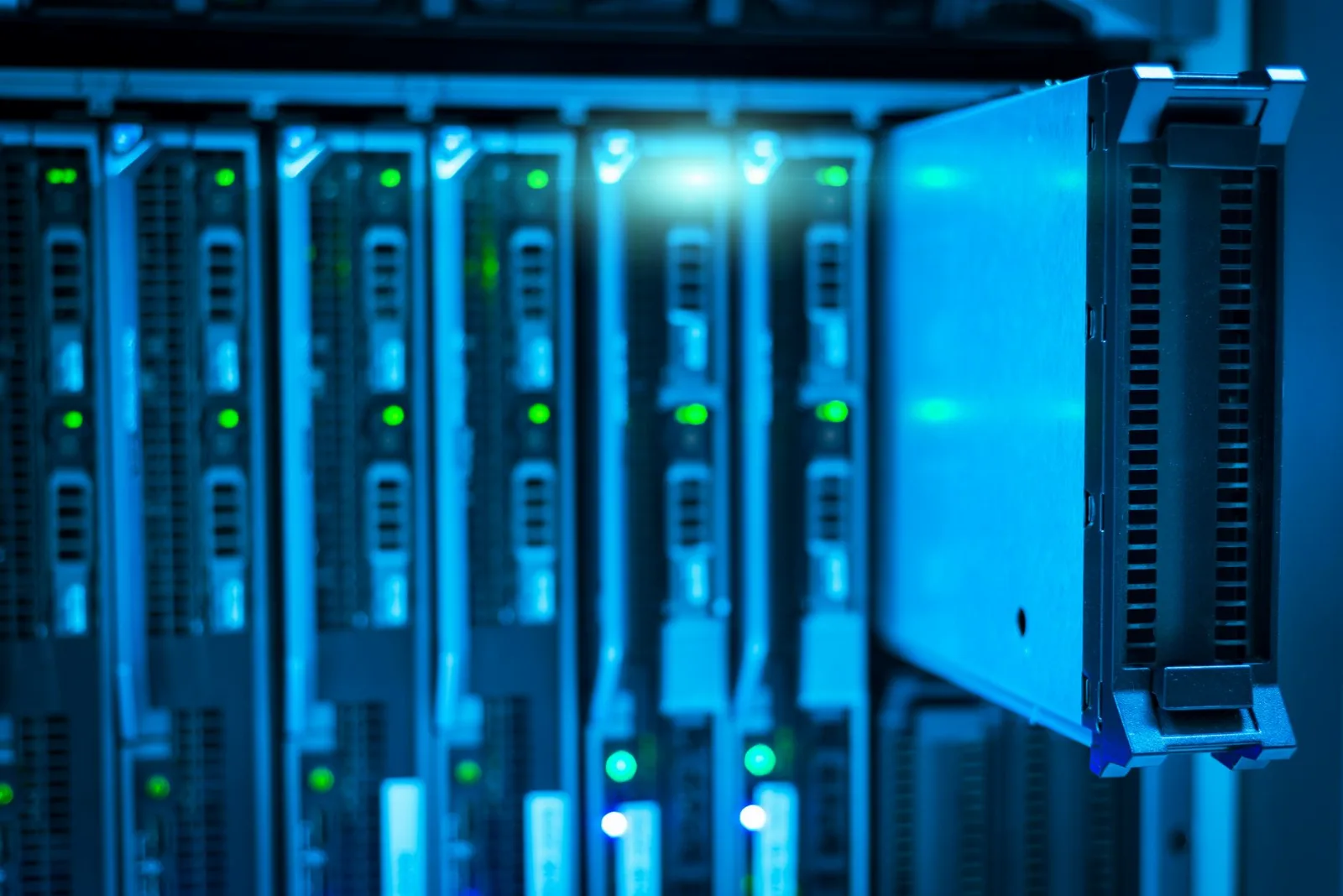
One local team for the computers, network, imaging workstations, backups, and phone system that keep a dental office running, from our walk-in stores in Saginaw and Midland. We support practices running Dentrix and Eaglesoft.
Computers To Go is rated 4.8 on Google by Saginaw customers and 4.7 by Midland customers. Dental offices work with the same people behind the counter at our two walk-in stores, so a failed front-desk or operatory computer can be brought in, repaired, or replaced locally instead of shipped away.
Straight answer first
Computers To Go supports the whole technology side of a dental office: the Dentrix or Eaglesoft server and workstations, operatory and front-desk computers, imaging computers, the network and Wi-Fi, printers and scanners, and the backups that protect patient data. When an issue belongs to the practice-management or imaging vendor, we coordinate with them so the front desk is not stuck in the middle.
Phone systems
Dental offices typically need an auto-attendant, call recording, voicemail-to-email, mobile apps, and business texting, and Computers To Go provides all of them on our own hosted phone platform. Every install includes e911 registration and number porting, so patients keep calling the number they already have, and we install Grandstream desk phones at the front desk and in the back office.
Route callers to scheduling, billing, or a provider without tying up the front desk.
Review calls for training and to confirm what was said to a patient.
After-hours messages arrive in the inbox ready for the morning huddle.
Answer from a cell phone and text patients from the office number.
Every phone registered to your office address for emergency calls.
Keep the number on your appointment cards and website.
At a glance
One provider covers the computers, network, backups, and phone system together, which matters in a dental office because these systems depend on each other. A slow network affects charting and imaging, and a phone outage affects scheduling. The table below shows what is covered and why it matters to the practice.
| Area | What we handle | Why it matters |
|---|---|---|
| Practice-management software | Server and workstations running Dentrix or Eaglesoft; vendor coordination | Scheduling, charting, and billing stay available |
| Imaging computers | Operatory and imaging workstations, drivers, and connectivity | Images are captured and reach the chart |
| Network & Wi-Fi | Switches, firewall, cabling, and guest Wi-Fi separated from clinical systems | Fast, reliable access between rooms and the server |
| Backups | Monitored backups of practice data, with restores tested | Patient records can be recovered after a failure |
| Phone system | Hosted platform, desk phones, recording, voicemail-to-email, texting, e911 | Patients reach the office and calls are not lost |
Patient data
Computers To Go does dental office work with HIPAA safeguards in mind, including role-based access, timely patching, endpoint security, encryption where appropriate, and backups that are monitored and tested. We do not claim a HIPAA certification, because no official one exists for IT providers, and we are glad to discuss a business associate agreement with your practice before work begins.
Getting started
A dental office gets started with an assessment: we review the practice server, workstations, imaging computers, network, backups, and current phone setup, then recommend a plan with scope confirmed in writing. Onboarding is scheduled around patient hours so the office keeps seeing patients while the work is done.
We review your systems, backups, and phone setup on-site.
A right-sized plan, confirmed in writing before work starts.
Monitoring, backups, and phones put in place around patient hours.
Remote help for the front desk and on-site visits when needed.
Visit a store
Computers To Go has two walk-in stores serving dental offices across mid-Michigan: Saginaw at 3037 Bay Plaza Dr and Midland at 1914 S Saginaw Rd. Offices in Bay City and surrounding communities are served from the Saginaw store. Stop in to see the desk phones, drop off a workstation, or call to schedule an assessment.
Saginaw: 3037 Bay Plaza Dr, Saginaw, MI 48604 · (989) 793-9500
Midland: 1914 S Saginaw Rd, Midland, MI 48640 · (989) 631-6900
Hours: Mon–Fri 11:00 AM – 7:00 PM, Sat 12:00 PM – 5:00 PM, Sun closed
See the Saginaw store and Midland store pages for directions.
Questions
Yes. Computers To Go supports dental offices that run Dentrix and Eaglesoft practice-management software, including the server or host computer, front-desk and operatory workstations, imaging computers, the network that connects them, and the backups that protect the data. We coordinate with the software vendor when an issue belongs on their side.
There is no official government HIPAA certification for IT providers, and we do not claim one. Computers To Go does its dental office work with HIPAA safeguards in mind, such as access control, patching, encryption where appropriate, and tested backups, and we are happy to discuss a business associate agreement with your practice.
Yes. In almost all cases Computers To Go ports your existing office numbers to our hosted phone system, so patients keep calling the number on their appointment cards. We handle the porting paperwork with your current carrier, and your current service keeps working until the port completes.
Computers To Go serves dental offices across mid-Michigan from two walk-in stores: Saginaw at 3037 Bay Plaza Dr, Saginaw, MI 48604, and Midland at 1914 S Saginaw Rd, Midland, MI 48640. That includes Saginaw, Midland, Bay City, and surrounding communities, with remote support and on-site visits as needed.
Explore more
Read the full managed IT services overview and our business VoIP service.
“A dental office can't stop seeing patients because a computer or the phones went down. We support the whole office, the practice software computers, the imaging, the network and the phone system, so there is one local team to call,” says Zachariah Mularz, owner of Computers To Go.
Further reading: HHS: the HIPAA Security Rule · HHS: sample business associate agreement provisions
Last updated: October 15, 2026 · Reviewed by Zachariah Mularz, owner, Computers To Go
Start with an assessment of your computers, backups, and phone system, with scope confirmed in writing.